One moment…
What it catchesCharging
Plugged inis not charging.
It catches the tablet that is plugged in and still losing charge.
On the tablet
Found, named,and walked through.
Most charging faults are a cable or a mount, and the driver can fix those before leaving the yard.
The check-up catches it
It runs by itself at the start of a shift.
Tablet check-up10 of 11checks passed1 thing to fix before you rollRan 3 min agoIt names the usual cause
A worn cab cable or a loose mount connector, in those words, on the tablet.
Battery chargePlugged in but not charging (34%).No charge is flowing. A worn cab cable or a loose mount connector is the usual cause.Show me how to fix thisThe driver gets three steps
The guide opens on the tablet, so there is nothing to look up and no one to call first.
The app’s guide, word for wordGet the charger working
- Step 1 of 3
It's plugged in, but no charge is flowing. Unplug the cable at both ends and seat it firmly again.
- Step 2 of 3
Still no charging icon? Try another cable or charger. A worn cab cable is the usual cause.
- Step 3 of 3
Check the mount's power: the truck's ignition or the mount's own switch may be off.
- Step 1 of 3
Then it tests again
The last step runs the check once more, and a fixed tablet reads ready.
Tablet check-up11 of 11checks passedReady for your shiftRan 3 min ago
And if it will not charge
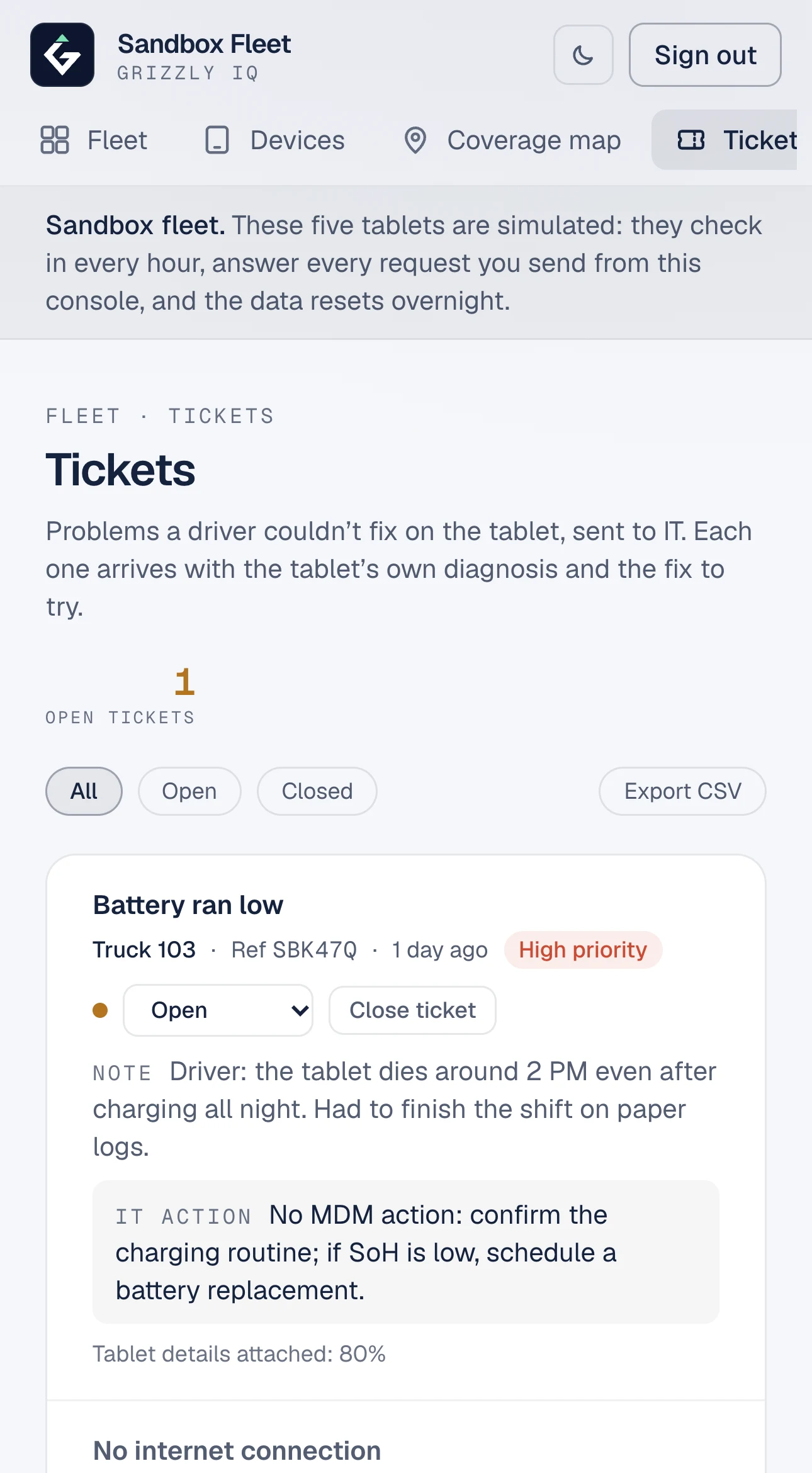
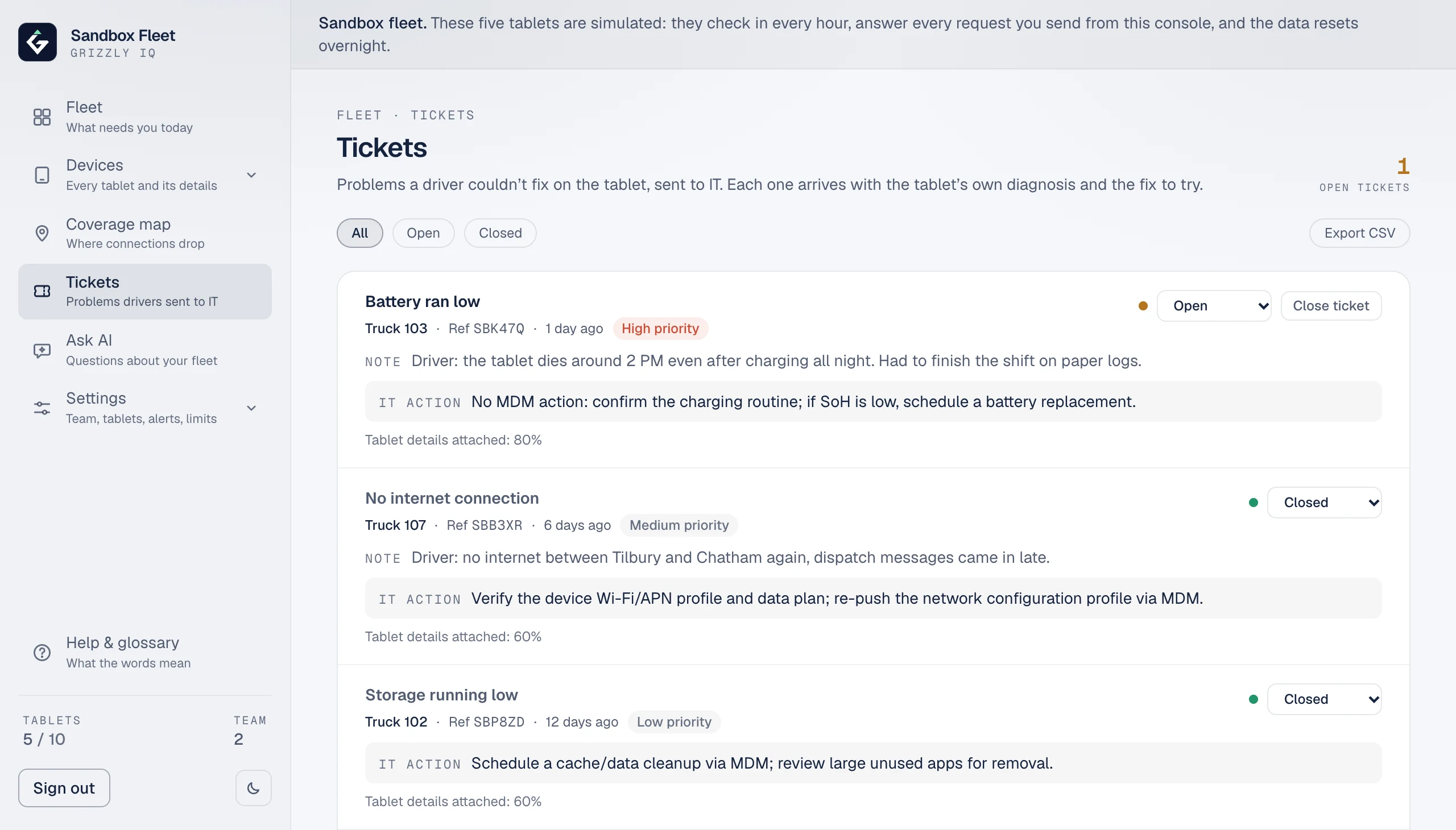
Still dead?IT gets a ticket.
A problem the driver cannot fix reaches IT with the tablet's own diagnosis and the fix to try.
What it catches
Three more waysa tablet quits.
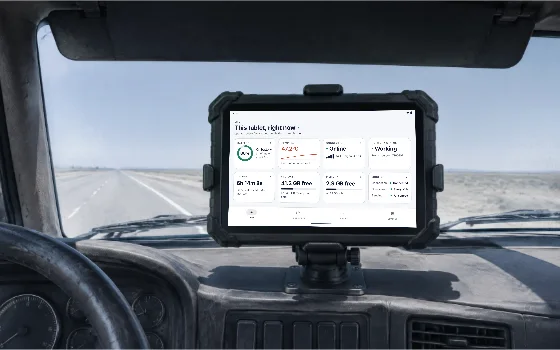
Charging is one of four things Grizzly IQ reads on every tablet.
Before the next shift
Find itbefore it fails.
Free for 30 days on your own tablets, with no card.